


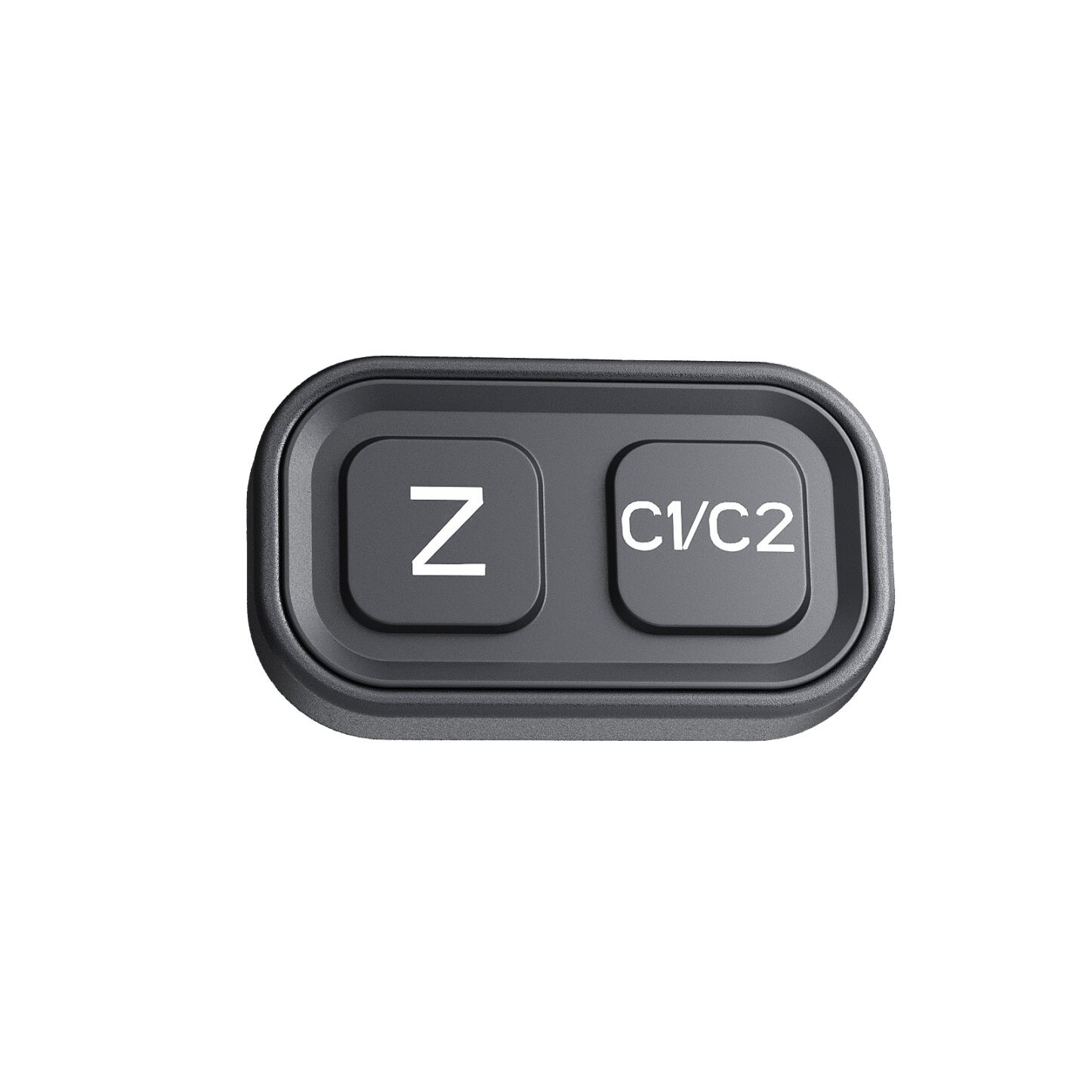

Dometic PerfectView CAM 440CS dual-view camera switch - keypad with cable, for motorhome and caravan
- Dometic PerfectView CAM 440CS is a two-button switch for the CAM 440 camera: close/far view and a second camera. Keypad with cable, for motorhomes and caravans.
Dometic PerfectView CAM 440CS (catalogue number 9620013722, also called CAM440SW in the CAM440 manual) is the control switch for the PerfectView CAM 440 dual-view camera. With two buttons you switch close and far view and - if you have CAM 440E - the second camera, also when you are not in reverse. The pack includes a keypad and cable. Approval ECE R10. Product size 50 x 15 x 30 mm, net weight 0.01 kg.
Key features
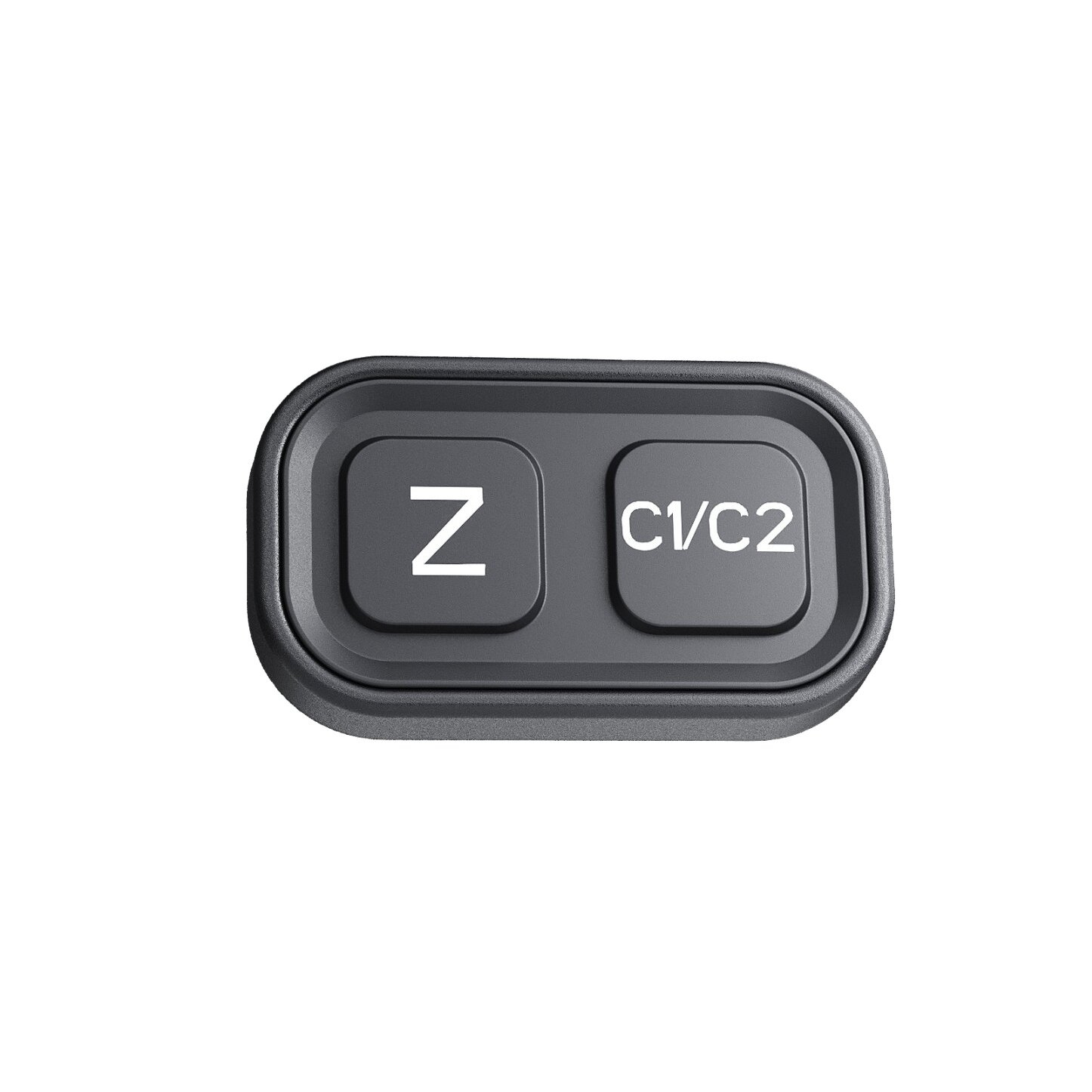
- PerfectView CAM 440CS switch for the CAM 440 system
- left button: close / far (zoom) view
- right button: camera switching (main / CAM 440E)
- works also outside reverse gear
- keypad and cable in the pack
- dimensions 50 x 15 x 30 mm, net weight 0.01 kg
- parcel weight 0.10 kg according to Dometic
- ECE R10 approval
What it is for
Without CAM 440CS the CAM 440 camera still shows an image when manoeuvring, but convenient close/far switching without selecting reverse and choosing a second camera need this switch.
You mount it within the driver reach and connect it to the CAM 440 harness as described in the manual.
It is an accessory for CAM 440 / CAM 440E, not a stand-alone camera.
Installation notes
- Choose a cab location with easy access to both buttons.
- Connect the keypad cable to the CAM 440 system as shown in the camera manual.
- Keep wiring clear of moving parts and sharp edges.
- After connection, check the left button (close/far) and the right button (cameras), also outside reverse.
- Do not alter camera wiring beyond what Dometic describes for CAM 440.
Scope of delivery
- CAM 440CS keypad.
- Cable.
- According to the Dometic product card: keypad + cable.
CAM 440CS and the CAM 440 system
CAM 440CS does not replace a camera. It extends CAM 440 with manual view and camera switching. If you do not have the basic set yet, start with CAM 440; add a second camera as CAM 440E.
Safe use
- The switch is part of a rear-view aid only. It does not replace mirrors or careful driving.
- ECE R10 approval covers the electronic device in the vehicle.
- Fit it only as described in the Dometic CAM 440 instructions.
- Do not use it for cameras outside the CAM 440 / CAM 440E system.
Care
Wipe the keypad with a dry or slightly damp cloth without aggressive cleaners. Keep connectors dry. Do not blast the housing with a pressure washer.
Related products
- PerfectView CAM 440 - dual-view basic set
- PerfectView CAM 440E - dual-view add-on camera
- PerfectView M 75L AHD - 7" LCD monitor from the PerfectView range
Technical data
| Parameter | Value |
|---|---|
| Brand / model | Dometic PerfectView CAM 440CS |
| Catalogue number | 9620013722 |
| Type | control switch (keypad) for CAM 440 |
| Left button | close / far view |
| Right button | camera switching (CAM 440 / CAM 440E) |
| Scope of delivery | keypad + cable |
| Dimensions (W x H x D) | 50 x 15 x 30 mm |
| Net weight (manufacturer) | 0.01 kg |
| Parcel weight (manufacturer) | 0.10 kg |
| Parcel size | 100 x 50 x 60 mm |
| Approval | ECE R10 |
FAQ
Is CAM 440CS required for the camera to work?
CAM 440 works without it when manoeuvring. The switch is needed for convenient view and camera changes also outside reverse.
What do the buttons do?
Left switches close and far view. Right selects the main camera or CAM 440E.
Does it fit other PerfectView cameras?
Dometic describes it for CAM 440 / CAM 440E. We do not claim compatibility with CAM44 or CAM 35 2.0.
What is in the box?
Keypad and cable.
Manufacturer
Dometic Germany GmbH, Hollefeldstrasse 63, 48282 Emsdetten, Germany.